
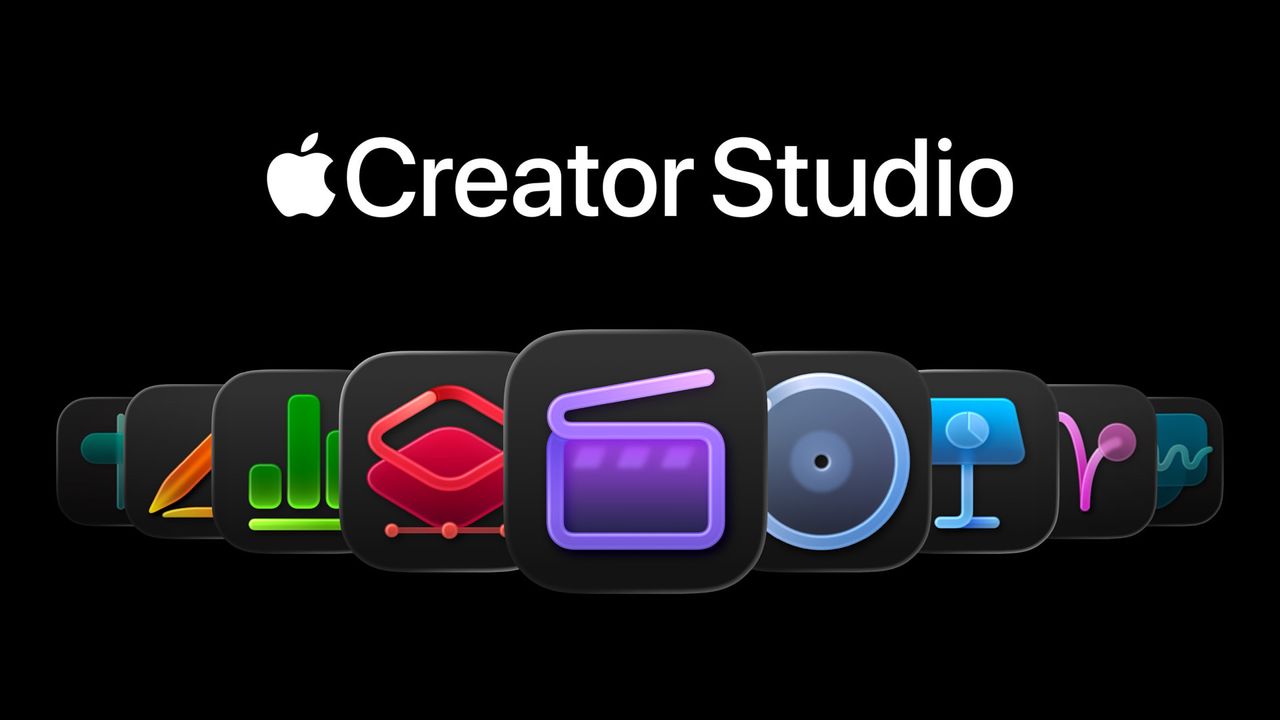
The Apple Creator Studio is a software bundle that makes its creative apps – Final Cut Pro and Logic Pro suites with Pixelmator Pro – and its productivity apps – Pages, Numbers, and Keynotes – all available across the Mac, iPad, and iPhone for a monthly or annual fee.
That fee is $12.99 / £12.99 / AU$19.99 a month or $129 / £129 / AU$199 per year, but if you qualify for the education discount, it’s a pretty unbeatable value at just $2.99 / £2.99 / AU$4.99 per month or $29.99 / £29.99 / AU$49.99 per year.
I’ve spent the better part of a week using the apps included in Apple Creator Studio, testing familiar workflows alongside newer features – particularly Apple’s increasingly restrained approach to AI. This isn’t a full review of every app in the bundle, but my early impressions are that Creator Studio feels like a return to form – it’s Apple bundling serious creative tools again in a way that feels cohesive, approachable, and easy to justify.
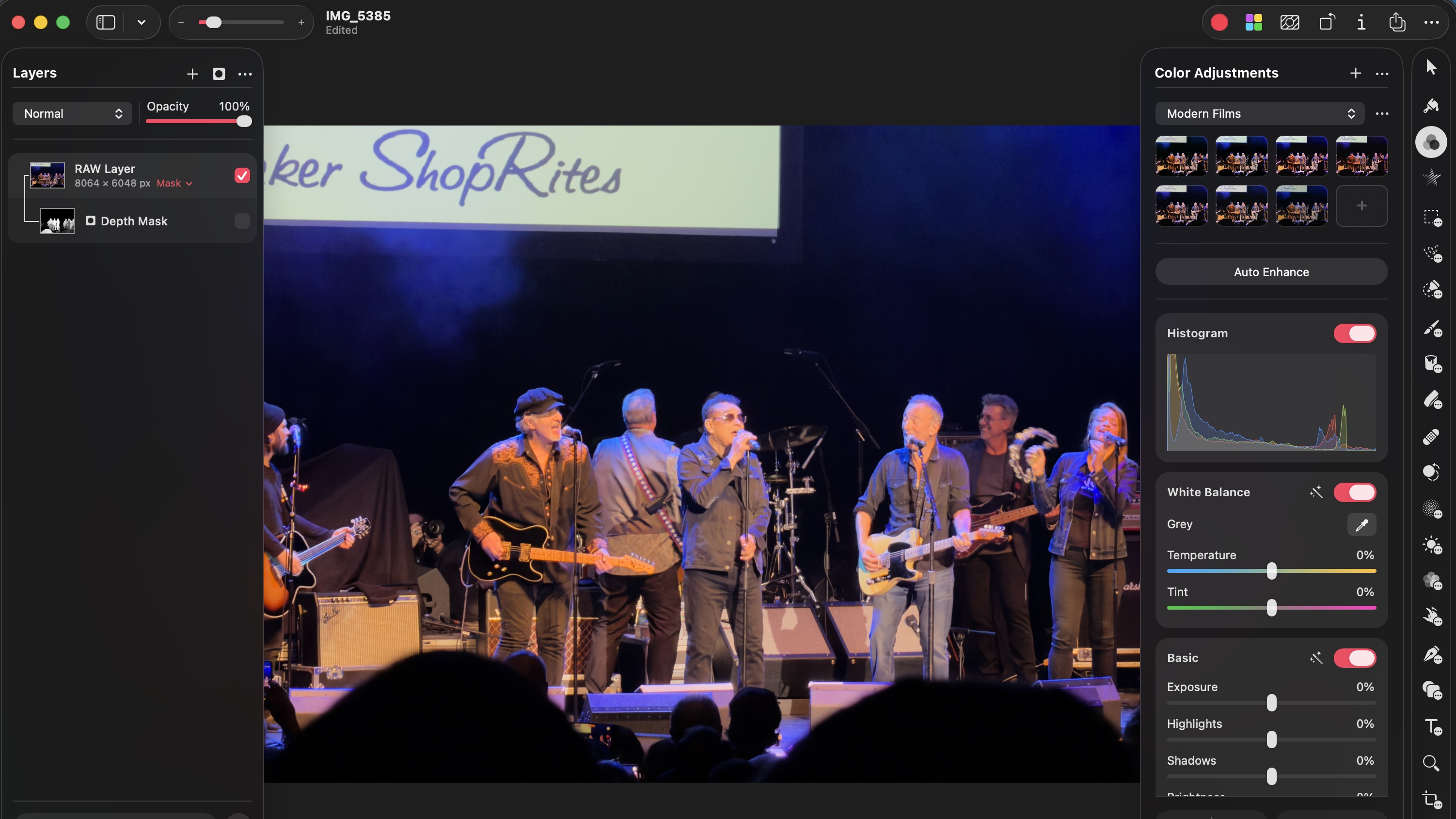
Pixelmator Pro is where that feeling clicks almost immediately. On the Mac, the app leans into Apple’s Liquid Glass design language, but unlike some of Apple’s own first-party apps, it doesn’t radically reshape the interface just to make a statement. Everything remains fast, operable, and familiar – it's a design that prioritizes editing over aesthetics.
On the iPad, Pixelmator Pro arguably shines brighter. The interface translates cleanly to touch control, and the new ability to warp multiple layers together using the Apple Pencil is genuinely useful. It's definitely more fun than resizing for a crop.
I also particularly like using the Pencil to navigate the app; it makes the experience feel direct and well-suited to iPadOS, rather than feeling like a Mac app that's been awkwardly adapted for a touchscreen.
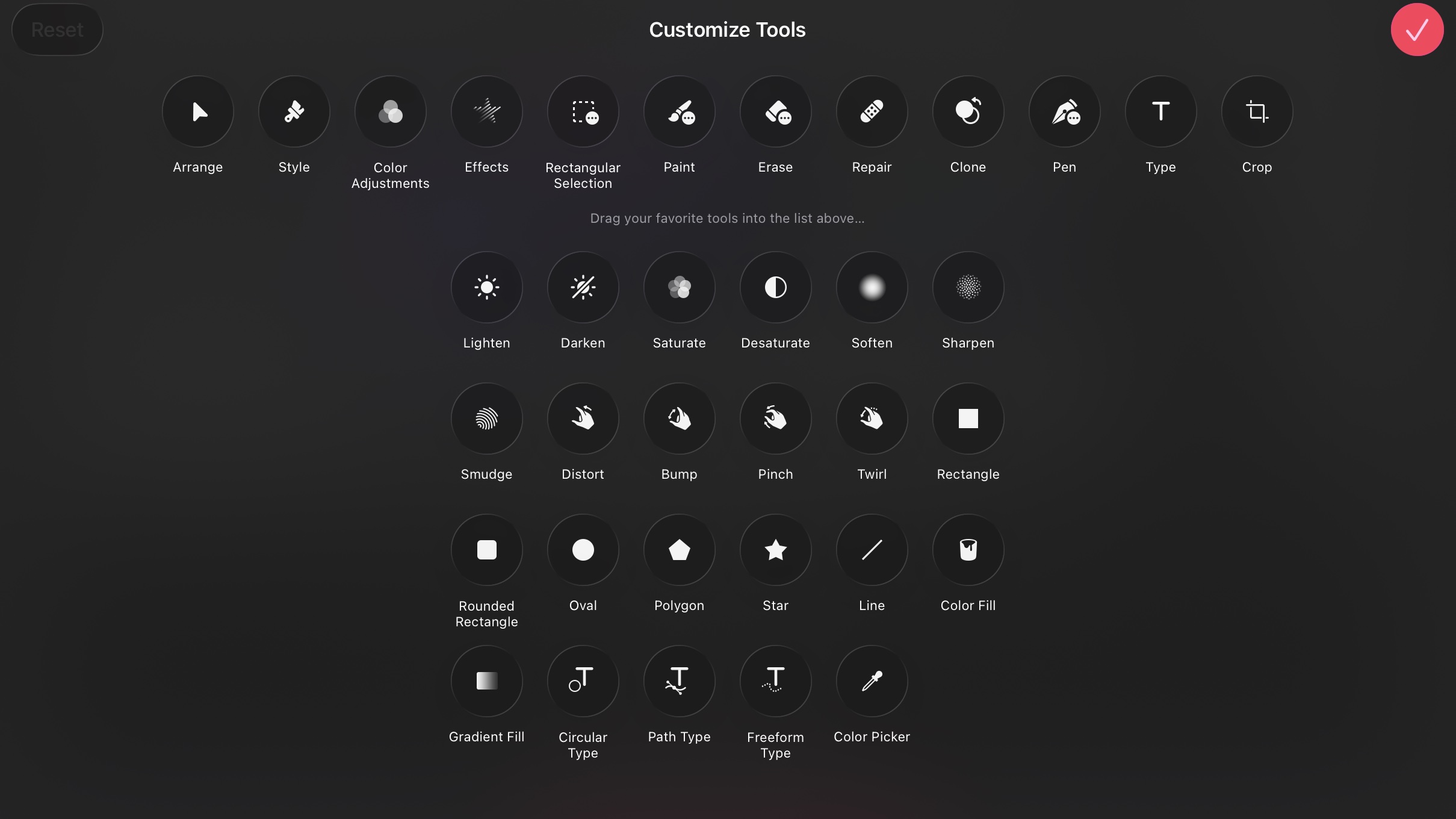
As with the Mac, you can customize the tools that appear on the right sidebar by default. And if you're looking for 'Super Resolution', it's tucked under the three dots in the right corner, then image setup.
Compared to Photoshop, Pixelmator Pro is simpler to pick up, but it doesn’t skimp on power. Its AI-driven image tools are front and center: ML Enhance intelligently balances saturation, contrast, and color, Super Resolution impressively upscales images, and custom filters are easy to fine-tune without getting buried in menus.
Interestingly, those same machine-learning models are being used across Apple’s other apps – Keynote, for example, uses them to improve image quality. It shows that since acquiring Pixelmator Pro, its development team has been working in closer lockstep with others at Apple.
If you’re after a capable, easy-to-use photo editor that avoids the cost and complexity of Adobe Creative Cloud, Pixelmator Pro alone makes a strong case for the bundle.
Here's some good news: while Pixelmator Pro does work on M1 or newer iPad models as expected, it also works on iPads with an A16 or an A17 Pro chip. That's a relief and makes sense, since iPadOS 26 supports many of the landmark features, like multitasking, on iPads as old as the 9th Gen.
Image 1 of 4
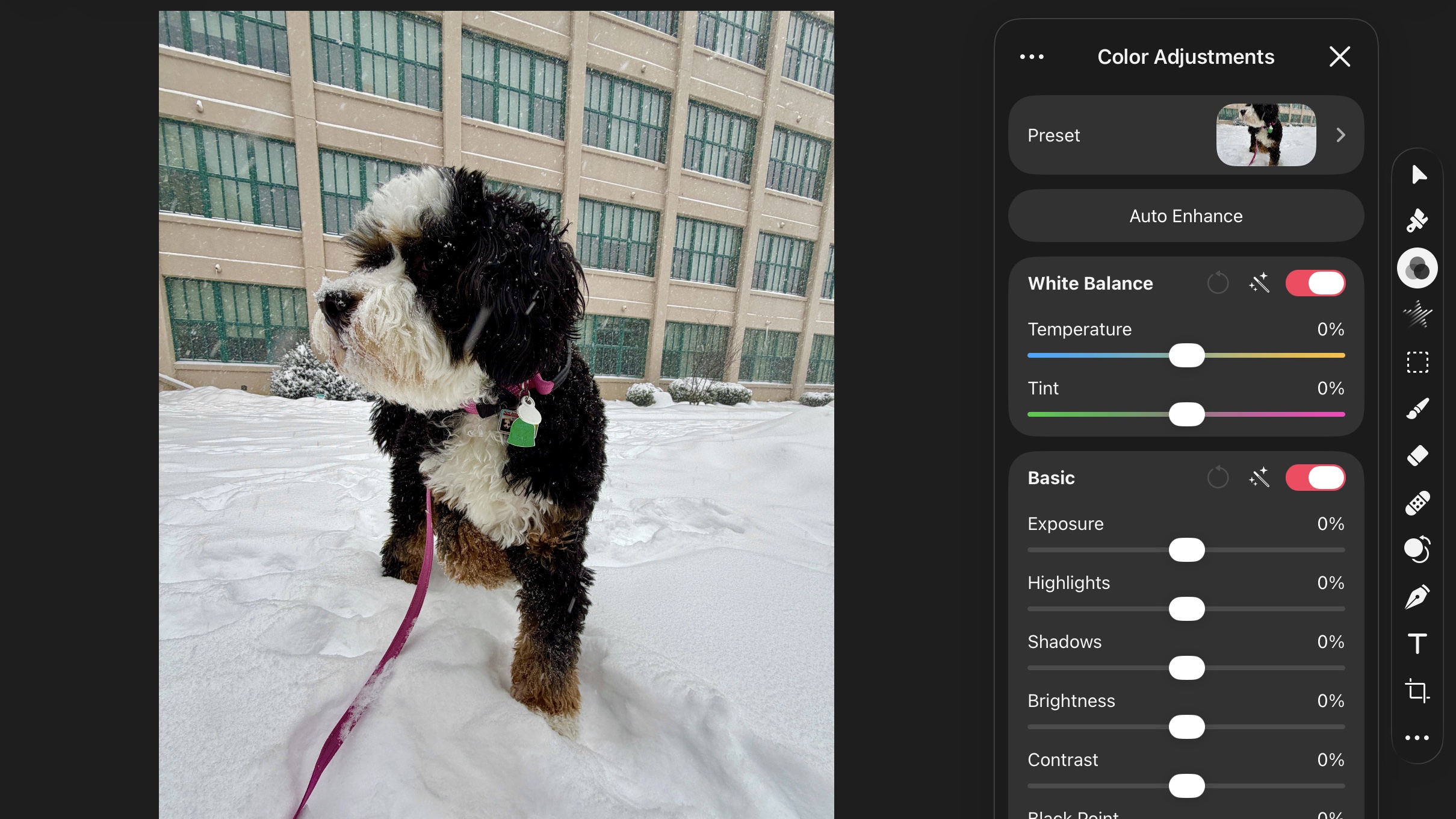
Image 2 of 4

Image 3 of 4

Image 4 of 4

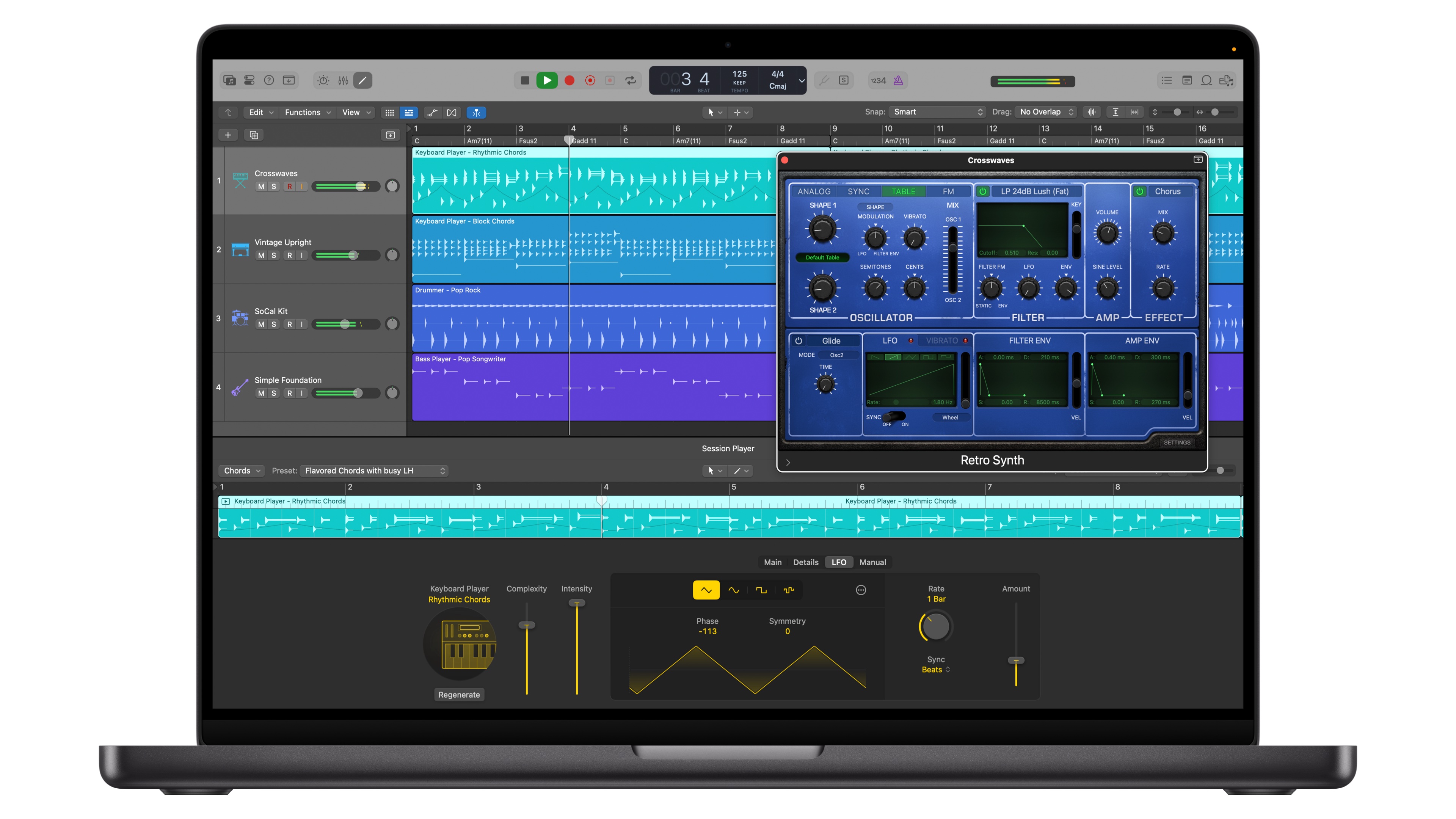
Logic Pro continues Apple’s more thoughtful approach to AI. The standout addition here is a new EDM-focused Session Player, dubbed Synth Player, which expands an area Apple has clearly been investing in for years with Logic Pro. Logic Pro treats AI like a collaborator here, acting as a virtual musician that helps you move ideas forward, experiment with structure, and play inside a digital studio. It can even play along, in real time or after you record a track of your own.
I’m not a musician by trade, but Logic Pro’s AI tools, including Session Players and Stem Splitter, feel less like automation and more like creative assistance. You’re still making the decisions, and the software may simply help you get there faster. That distinction matters, and it plays directly into Apple’s creative roots.
And if you haven't given Stem Splitter a go, just try it with a recording of one of your favorite songs. It can, in seconds, split out the various elements of a track onto separate tracks within Logic – it's super-functional.
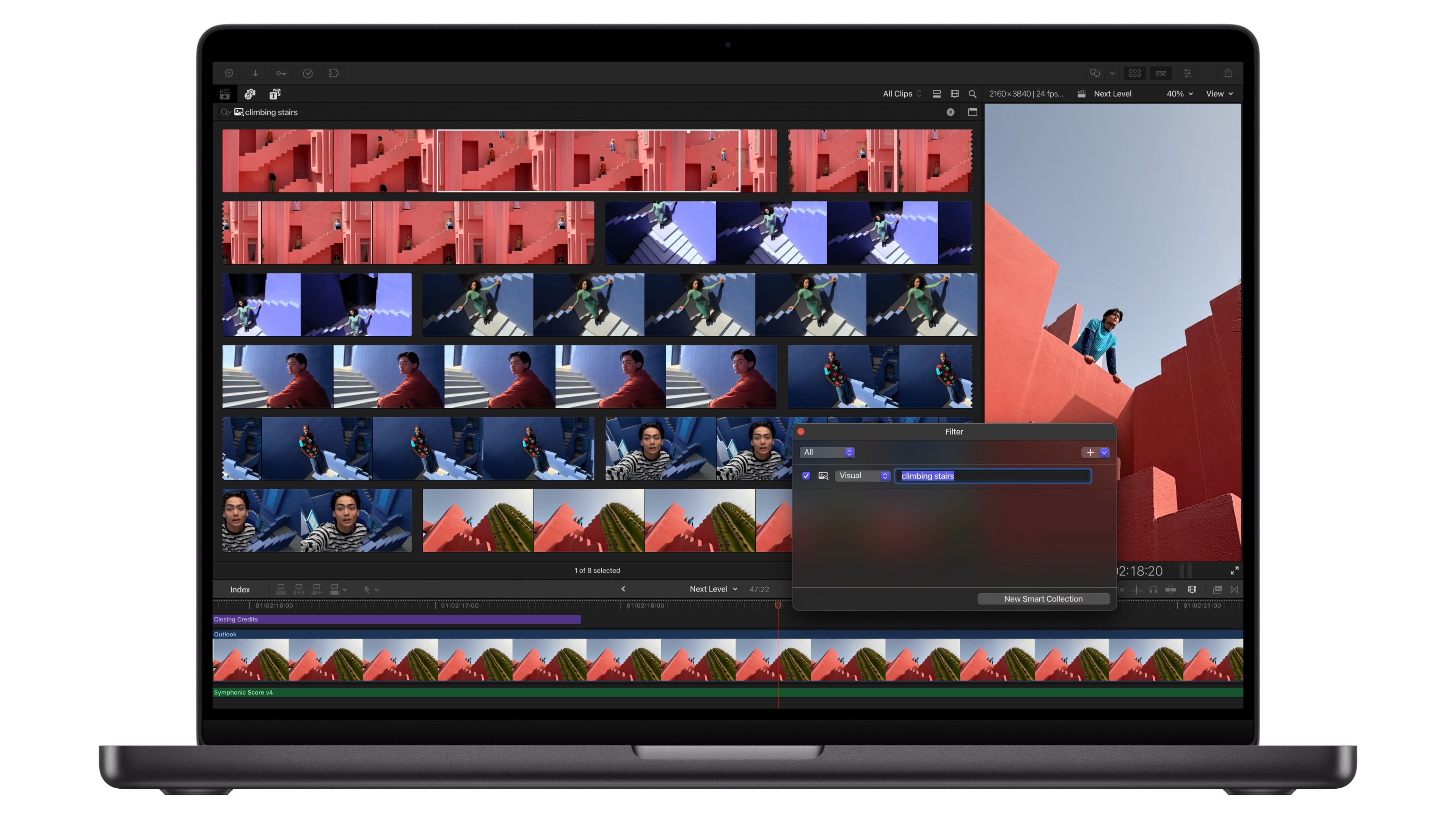
Final Cut Pro’s biggest improvement in Apple Creator Studio is subtler, but no less impactful. Its enhanced natural-language search makes it far easier to find what you’re looking for when working with a large library of clips and assets. When you’re juggling a tremendous amount of footage, that reduction is meaningful – and it’s something video editors both big and small will appreciate.
Exclusive to Final Cut Pro for iPad with Creator Studio is a new Montage Maker that can automatically stitch a set of clips together. It’s essentially a more advanced take on the AI-powered editors you see in apps like CapCut or even TikTok, but with more adjustment levers that let you steer the final result closer to what you want. And you can always take what it creates and turn it into a full project.
The 'AI' here isn’t flashy – it’s doing the practical work of identifying key moments across your clips, which makes it feel less like a gimmick and more like a useful starting point for an edit.
Stepping back, Apple Creator Studio feels like a modern revamp of iLife and iWork – a bundle that makes sense as a whole, rather than a collection of disconnected apps. It also underscores Apple’s broader ambitions around services.
Now, given how storage-hungry these apps can be, it’s hard not to wish Creator Studio were bundled with Apple One and additional iCloud storage, but the value proposition still essentially holds up without those.
Apple Creator Studio is available now for $12.99 / £12.99 / AU$19.99 per month, or $129 / £129 / AU$199 annually. Students and educators get a steep discount, bringing the price down to $2.99 / £2.99 / AU$4.99 per month, or $29.99 / £29.99 / AU$49.99 per year – an especially compelling deal given the breadth of apps included. It can also be shared with others through Apple Family Sharing.
Here’s what’s included with Apple Creator Studio:
Mac
- Final Cut Pro
- Logic Pro
- Pixelmator Pro
- Pages
- Keynote
- Numbers
- Freeform
- Motion
- Compressor
- MainStage
iPad
- Final Cut Pro
- Logic Pro
- Pixelmator Pro
- Pages
- Keynote
- Numbers
- Freeform
iPhone
- Pages
- Keynote
- Numbers
- Freeform
For students, Apple Creator Studio is a no-brainer. For creators, prosumers, or even everyday users who want to dabble, the subscription makes sense as long as you find yourself regularly using a few of the included apps. More than anything, it feels purposeful – a reminder that when Apple leans into creativity and thoughtful bundling, it still knows exactly what it’s doing.
Furthermore, if you don't want to lock in with a monthly or annual fee, Apple still sells Final Cut Pro, Logic Pro, MainStage, Compressor, and Motion individually, and offers Pages, Keynote, and Numbers for free. You'll just need to join Creator Studio for the extra features, mainly the AI ones.
Additionally, you can get a month of Creator Studio for free, while if you buy an eligible Mac or iPad, you can get a three-month free trial.
Follow TechRadar on Google News and add us as a preferred source to get our expert news, reviews, and opinion in your feeds. Make sure to click the Follow button!
And of course you can also follow TechRadar on TikTok for news, reviews, unboxings in video form, and get regular updates from us on WhatsApp too.
Source: TechRadar